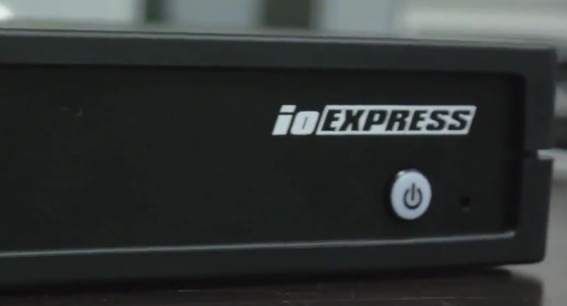
I got my hands on an AJA IO Express and so far I am loving it. As I have explained before, I decided to go with a the 17 inch MacBook Pro for my home editing system because I usually work in other offices where Mac Pros are provided. The AJA IO Express is a great upgrade for my system. It’s takes it up a step or two in terms of making me feel like I have a complete system on the go or in the office. So far I have used it with Avid Media Composer 5.5 (seems that my H.264 AMA media is a bit more stable so far, but I haven’t gone past 5 minutes in a sequence), Final Cut Pro and After Effects.
I hooked it up to my machine while working as a VFX editor on a feature at BluFire Studios. I was going through the different reels of the film and some footage really stood out to me like it never had before. There were a couple scenic shots on the 5D Mark 2 on this film while the rest of it was shot on the RED. Whoa, the 5D stuff just doesn’t compare to the RED, but I hadn’t noticed this as much before while using my second monitor as another display rather than going through a piece of hardware like the IO Express.
A couple of things you should know if you are setting up the AJA IO Express for the first time.
– Plug it in while your computer is off. Unplug it while your computer is off. For the first it doesn’t register and for the latter, if you do it any other way you will most likely get the “kernel” error. Love it when that happens, right?
– You need a firmware/hardware update for Media Composer 5.5 to show up. You should be able to download that update here, https://www.aja.com/support/io/io-express.php
– Take some time to get familiar with the AJA Control Panel if you have never used it before. Most of your configuration problems with come from not knowing how to use that properly if you’ve never used it before.
Here is a short little video AJA put together to talk about the Control Panel and the IO Express.
Io Express Control Panel from AJA Marketing on Vimeo.
I will continue my use of the AJA IO Express and fill you all in as I discover more of the pros and cons for myself.